

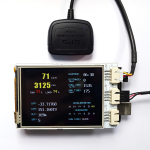

 Recently I developed a library for ease the job of displaying texts and numbers on different LCD/OLED modules. This is mainly for my OBD-II data logger project which can be made up of different sets of Arduino hardware. I named the library as Arduino Text Display Library for Multiple LCD, or short as MultiLCD.
The library encapsulates several libraries for various Arduino LCD/LED display shields or modules into a set of unified APIs.
Currently it supports these hardware:
- DFRobot LCD4884 shield
- Nokia 3310/5100 LCD module
- LCD1602 shield
- SSD1306 OLED module
- ZT I2C OLED module
The library includes fonts data for ASCII characters (5×7) and digits (8×8, 16×16). By using the library, it is extremely simple for display texts and numbers on desired position on a LCD screen, while very little change is needed to switch from one LCD module to another.
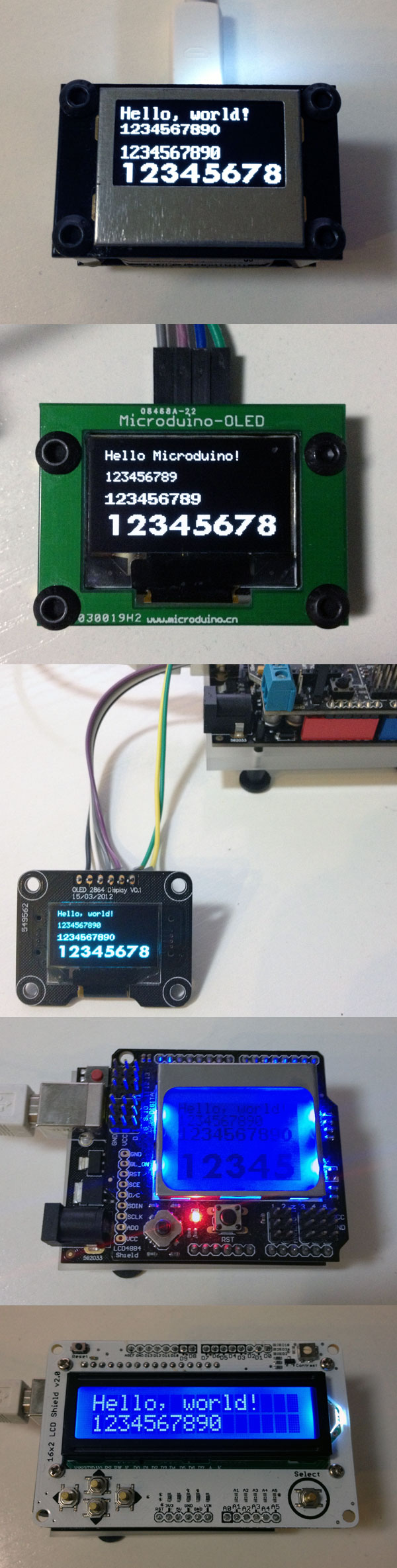
To use a specific shield or module as the display for Arduino, you need to include library header at the beginning of the sketch.
#include <MultiLCD.h>
And use one of following declarations before your code.
For SSD1306 OLED module:
LCD_SSD1306 lcd;
For LCD4884 shield or Nokia 5100 module:
LCD_PCD8544 lcd;
For LCD1602 shield:
LCD_1602 lcd;
For ZT I2C OLED module:
LCD_ZTOLED lcd;
A demo Arduino sketch is like followng.
#include <Wire.h>
#include <MultiLCD.h>

LCD_SSD1306 lcd; /* for SSD1306 OLED module */

void setup()
{
    lcd.begin();
    lcd.clear();

    lcd.setCursor(0, 0);
    lcd.print("Hello, world!");

    lcd.setCursor(0, 1);
    lcd.printLong(1234567890, FONT_SIZE_SMALL);

    lcd.setCursor(0, 2);
    lcd.printLong(1234567890, FONT_SIZE_MEDIUM);

    lcd.setCursor(0, 3);
    lcd.printLong(12345678, FONT_SIZE_LARGE);
}

void loop()
{
}
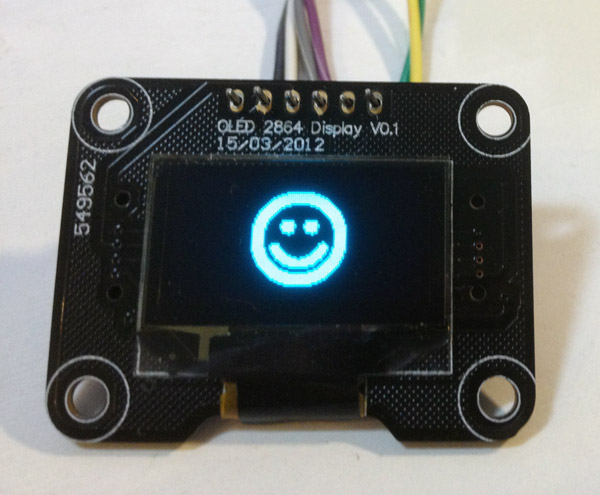
Update 5/30: added bitmap drawing (SSD1306 only)
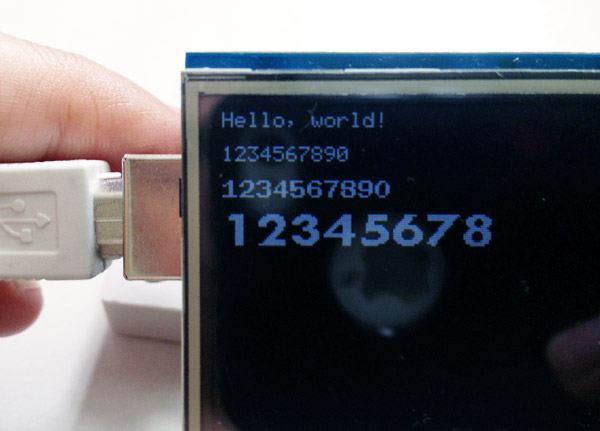
Update 5/29: 2.8″ TFT shield supported
Links: